Loading your business…
One moment.
Your business
Just the basics — this is what customers see on your menu and order page.
Admin
Sellers
New sign-ups wait here for your approval. Approve → 7-day trial → monthly payment. Mark them paid when their payment arrives; reminders go out automatically.
| Business | Status | Trial / paid through | Actions |
|---|
Requests
Ideas and support requests from sellers. Reply here — they get it by email and in their Help & ideas page.
Billing settings
These values appear in the approval, trial-ending and payment-due emails and in the seller's console.
Help & ideas
Watch the vendor guide
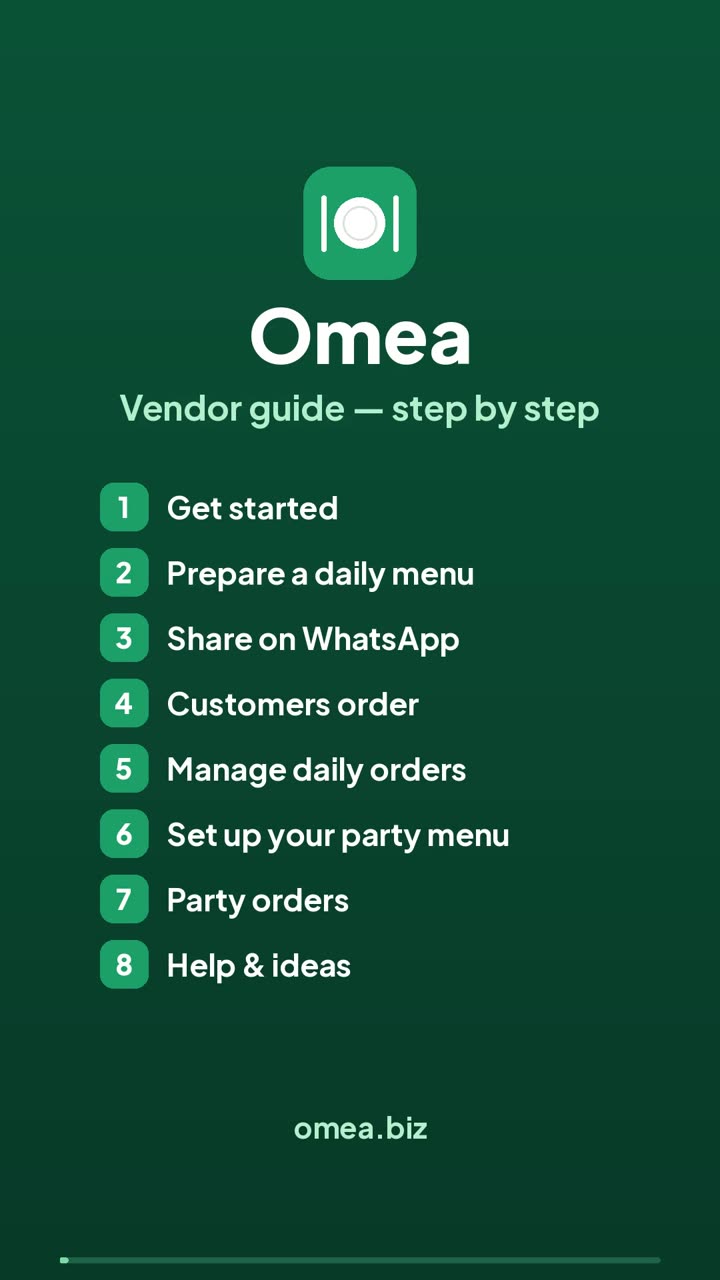
4 minutes, step by step: daily menus, sharing on WhatsApp, orders, party menu and party orders.
Open with chapters ↗Quick answers
Tap a question.
📣 How do I share my menu with my WhatsApp group?
- Open Menu, pick the pickup day, add your dishes and prices, and set the order deadline.
- Tap Prepare menu.
- In the green Share with WhatsApp box, tap Share with WhatsApp and choose your group — or tap Copy message and paste it.
Changed the menu after sharing? Home says “changed since you shared” — tap Share again so customers see the latest.
💲 How do I change a price?
Daily menu: Menu → Prepared menus → Edit → change the price on the dish → Save & update. If you already shared the menu, share it again.
Party menu: Party menu → tap the dish → change the price → Save dish. To set one price for a whole section, open the section and tap 💲 Same price for all.
Orders already placed keep the price they were placed at. If an order is changed later, it uses the new price.
💵 How do I mark an order as paid?
- Open Orders and find the customer.
- Under Payment, choose how they paid: Cash, Zelle, Venmo or Other.
Marked it by mistake? Tap the green paid label to undo. If the customer changes the order after paying, the order shows the balance to collect or the money to give back.
↩️ Cancellations and refunds
Customers can cancel their own order from their order link. To cancel a whole day, delete that day's menu under Prepared menus — every order on it is cancelled.
If the customer had already paid, the order shows Refund due. Give the money back, then tap Mark refunded.
Party orders: use Cancel order on the order. Refunds work the same way.
🎉 How do party orders work?
- On Business, set “You sell” to Party orders or Both.
- On Party menu, tap 📋 Paste your menu (as you send it on WhatsApp) or add dishes one by one, and set your booking rules.
- Share your party link. Customers pick a date, meal, pickup time and trays, and send you a request.
- In Party orders, tap Accept or Decline, then send the confirmation on WhatsApp.
Customers can change or cancel until your notice period. A changed order comes back for you to confirm again. The Cook sheet adds up the trays for each day.
Your requests
We reply here and by email.
Messages
Send a message to your customers
Festival wishes, a holiday notice, a thank-you — write it, add a photo if you like, and share it to your WhatsApp group.
Sent before
Tap one to load it again.
Orders
—
| Order | Customer | Items | Total | Status | Action |
|---|
Menu
Portion limit = how many you'll make. Leave it blank for unlimited.
Prepared menus
Edit and re-share, or delete.
| Pickup day | Items | Pickup |
|---|
No menus prepared yet — prepare one on the left.
Reports
🍳 What to prepare
Orders by day
Most ordered items
Customers
Top customers
Party menu
🔗 Your party order link
Post it in your WhatsApp groups, Status or Instagram. Customers pick the date, breakfast / lunch / dinner, a pickup time and their trays — then you accept or decline each request.
—Dishes & tray prices
Each dish can have up to 4 sizes — e.g. Half tray, Full tray, Per piece, Pack of 50.
Booking rules
Party orders
—
🍳 Cook sheet
Everything confirmed for one day, added up.